
Home / Insights / M365 Security Checklist
Microsoft 365
M365 Security Checklist
Free download: the essential settings every Irish SME should have configured.

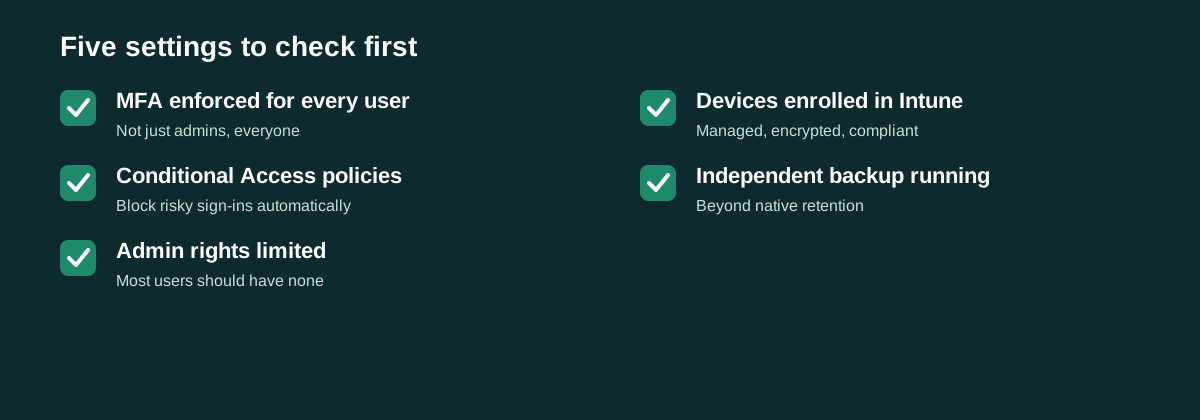
Most Microsoft 365 tenants are set up with default settings and never revisited. Here is a practical checklist covering the highest-impact security settings, five minutes to skim, worth acting on this week.
Identity & access
- Multi-factor authentication (MFA) enforced for every user, no exceptions
- Legacy authentication protocols disabled (they bypass MFA entirely)
- Conditional Access policies in place for at least sign-in risk and location
- Admin accounts separated from everyday user accounts
Email protection
- SPF, DKIM, and DMARC correctly configured for your domain
- Anti-phishing and anti-spoofing policies enabled, not left on Microsoft defaults
- External email tagged clearly so staff can spot spoofed internal-looking messages
Data protection
- Data Loss Prevention (DLP) policies covering at minimum financial and personal data
- Sensitivity labels applied to confidential document libraries
- Sharing settings reviewed, Anyone with the link is rarely the right default
Device & backup
- Devices enrolled in Intune or an equivalent MDM, not accessing company data unmanaged
- Microsoft 365 data backed up independently of Microsoft own retention
If more than two or three of these are not in place, that is a reasonable starting point for a proper audit rather than trying to fix everything piecemeal.